Why this matters: If you’re shipping video content to European markets or localizing brand-voice-critical material, the translation model you pick determines whether your output sounds native or machine-generated. GPT-5.2 inside VideoDubber is currently the strongest pick for idiom handling, tone preservation, and instruction adherence—at the cost of ~1.5–2× the credits of lighter models. This guide walks through the exact workflow, model trade-offs, and gotchas.
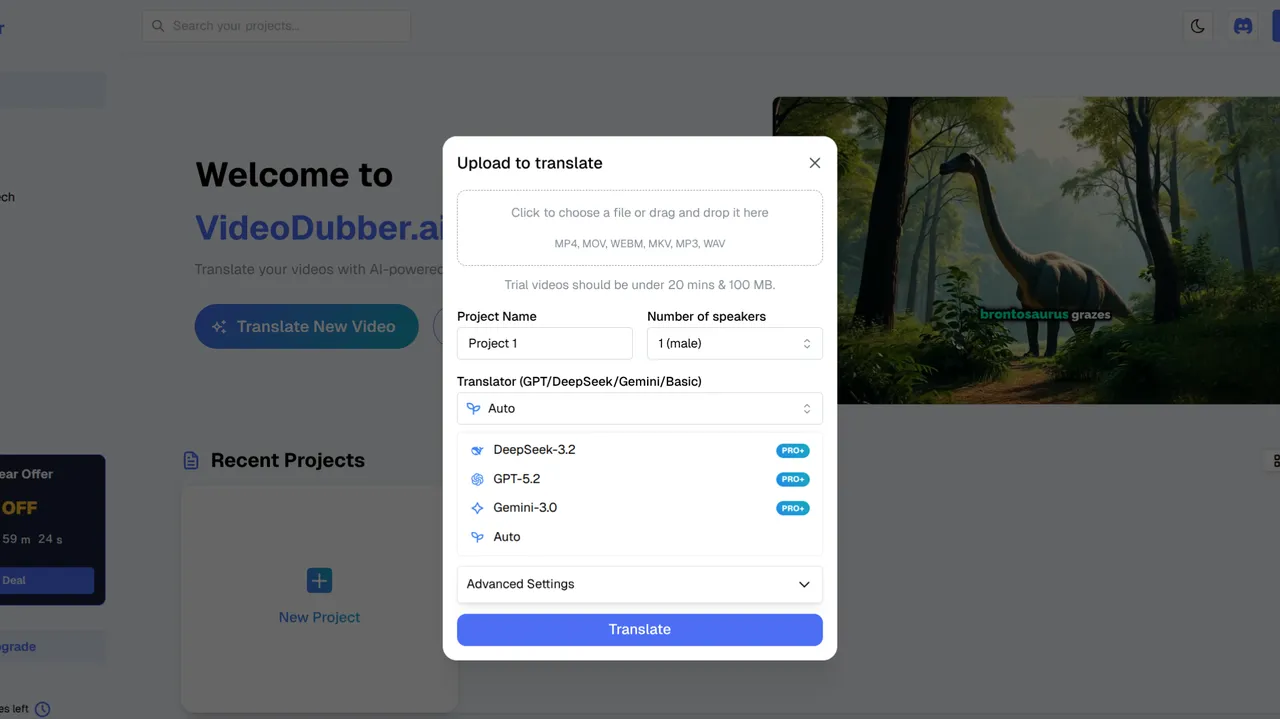
GPT-5.2 model selection in VideoDubber: the premium choice for nuanced, European-language video translation.
GPT-5.2 isn’t just a better translator—it’s an instruction-following script adapter. Point it at a 20-minute video with “keep the tone informal and witty,” and it holds that register across the entire output, not just the first few paragraphs. That’s the practical difference versus GPT-4o and earlier models, and it’s the reason teams doing French, German, Spanish, Italian, or Portuguese dubs are reporting fewer script rewrites and higher native-speaker approval.
Below: when to reach for it, how to wire it up in VideoDubber, and where it’s the wrong tool.
1. What GPT-5.2 Actually Does in a Dubbing Pipeline
AI video translation is a three-stage pipeline: transcribe → translate/adapt → synthesize dubbed audio (with optional lip-sync). GPT-5.2 plugs into stage two.
Its competitive edge sits on four axes:
Idiom handling — adapts rather than translates literally
Tone preservation — emotional arcs survive the language switch
Cultural adaptation — swaps references for target-audience equivalents
Instruction following — respects your Context box rules across long scripts
Per OpenAI, GPT-5.2 posts improved scores on idiom and cultural-adaptation benchmarks versus GPT-4o. In practice, that translates to scripts that read like they were written for the target language, not ported to it.
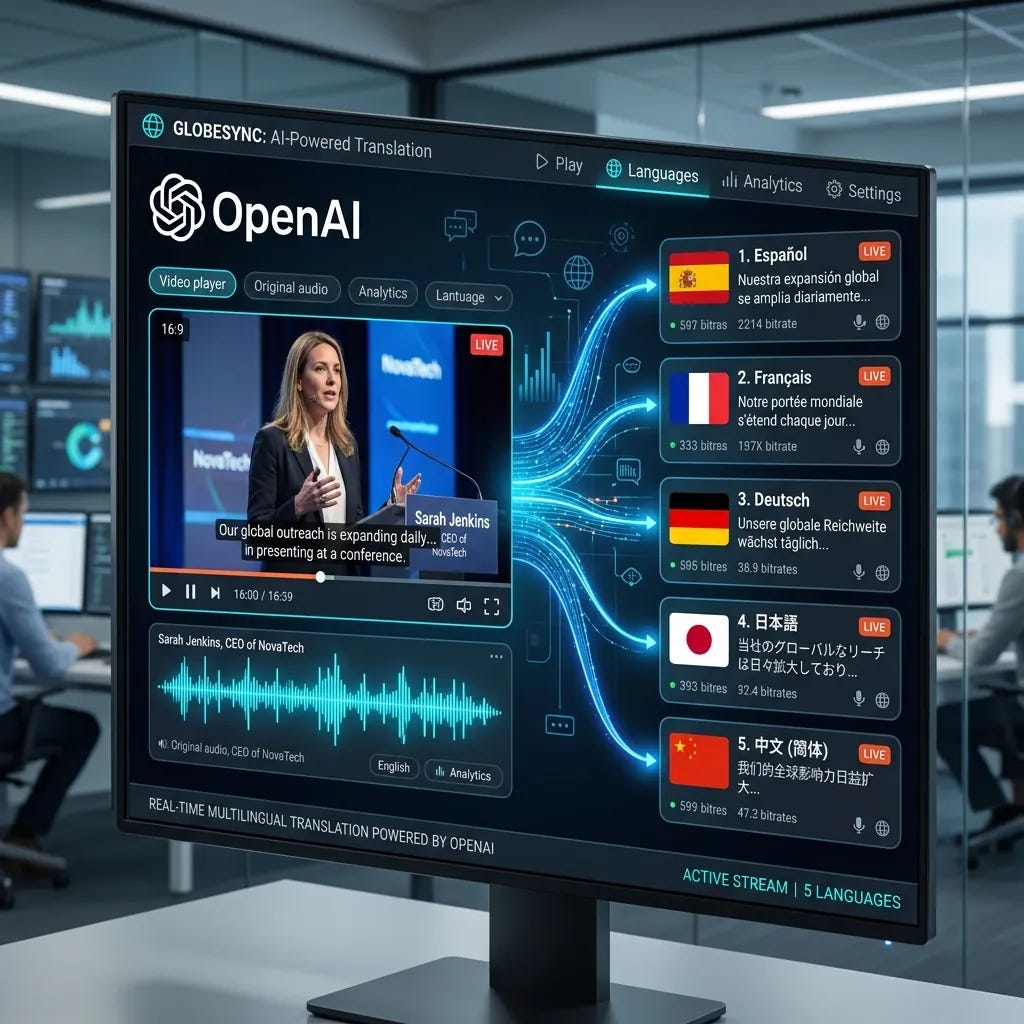
OpenAI’s GPT-5.2 provides state-of-the-art translation quality for high-stakes brand and creative video content.
2. Model Selection: GPT-5.2 vs. Gemini vs. DeepSeek
VideoDubber lets you swap models per project. Treat this as a routing decision, not a default.
Use it when quality, nuance, and storytelling are non-negotiable and your primary targets are European languages or English.
Strong fits:
Marketing and brand videos (creative adaptation)
Creator content and vlogs (humor, casual register)
Short films, narrative content (emotional arc)
Product demos and explainers (persuasive benefit language)
Customer support / how-to (with “formal” or “friendly” context)
Weak fits:
Code-heavy or engineering content → DeepSeek wins on literal precision
Japanese/Korean/Hindi priority → Gemini typically outperforms
High-volume, cost-sensitive batch work → mix models
Gotcha: Don’t default GPT-5.2 across every language. For Asian-first projects, you’re paying a premium for lower relative quality.
4. Step-by-Step: Wiring GPT-5.2 into VideoDubber
End-to-end for a 10-minute video is typically 15–30 minutes.
4.1 Sign in
Head to VideoDubber.ai. Free tier available if you don’t have an account.
4.2 Create a project and upload
Click New Project. Upload an MP4/MOV/AVI, or paste a YouTube URL. GPT-5.2 performs best on rich content—clear speech, good pacing, structured dialogue.
4.3 Select GPT-5.2 in the model dropdown
Find the Translation model dropdown in project settings and pick GPT-5.2.
Gotcha: GPT-5.2 consumes more credits per minute than lighter models. That’s the quality/cost trade—see section 6.
4.4 Use the Context box (do not skip this)
This is the single highest-leverage step. One or two short sentences:
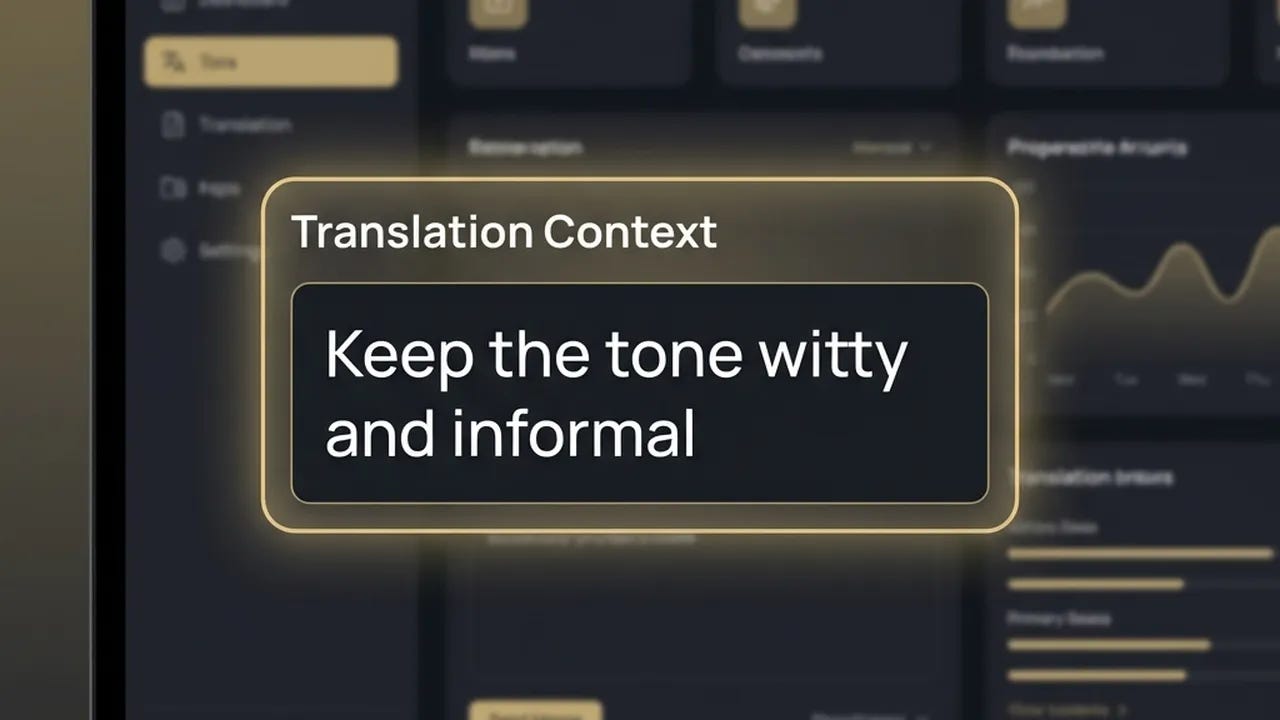
“Keep the tone informal and witty.”
“Use formal register for German; avoid slang.”
“Preserve the speaker’s enthusiasm; this is a product launch video.”
“Brand name is [X]; product is [Y]. Keep these unchanged in translation.”
Without context, GPT-5.2 defaults to neutral register—fine for generic content, wrong for brand voice.
The Context box in VideoDubber: one or two sentences steer GPT-5.2’s tone across the full translated script.
4.5 Pick target language(s) and translate
Select targets → click Translate. VideoDubber routes audio (and scripts where applicable) through GPT-5.2, returns a timing-aware translated script, and generates dubbed audio.
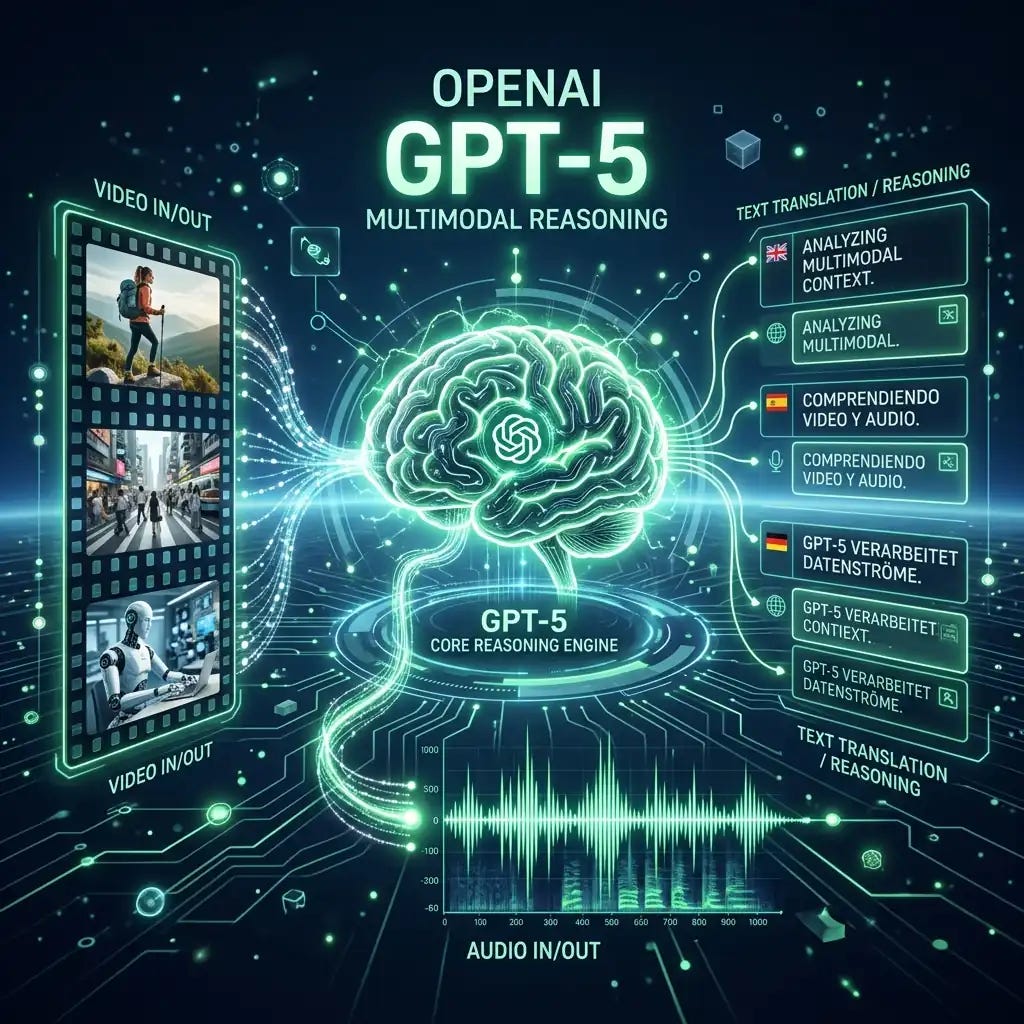
GPT-5.2’s advanced multimodal reasoning allows for nuanced adaptation of scripts, preserving the original’s emotional and creative intent.
4.6 Quick workflow recap
StepAction1Log in at VideoDubber.ai2New Project → upload or paste YouTube link3Select GPT-5.2 in model dropdown4Add 1–2 context instructions5Pick target language(s) → Translate6Review → download or publish
5. Context Box Patterns Worth Stealing
The Context box is where GPT-5.2’s instruction adherence pays off. Keep it terse.
GoalInstructionTone”Keep the tone informal and witty.”Register”Use formal German; no slang.”Audience”Aimed at B2B decision-makers in finance.”Content type”Product launch—emphasize excitement and benefits.”Brand protection”Brand name is Acme; product is Bolt. Keep unchanged.”Cultural adaptation”Adapt humor for a French audience; replace American references with European equivalents.”
One or two lines. GPT-5.2 holds them across the full script.
6. Cost and Credits
GPT-5.2 is the premium tier. Rough numbers:
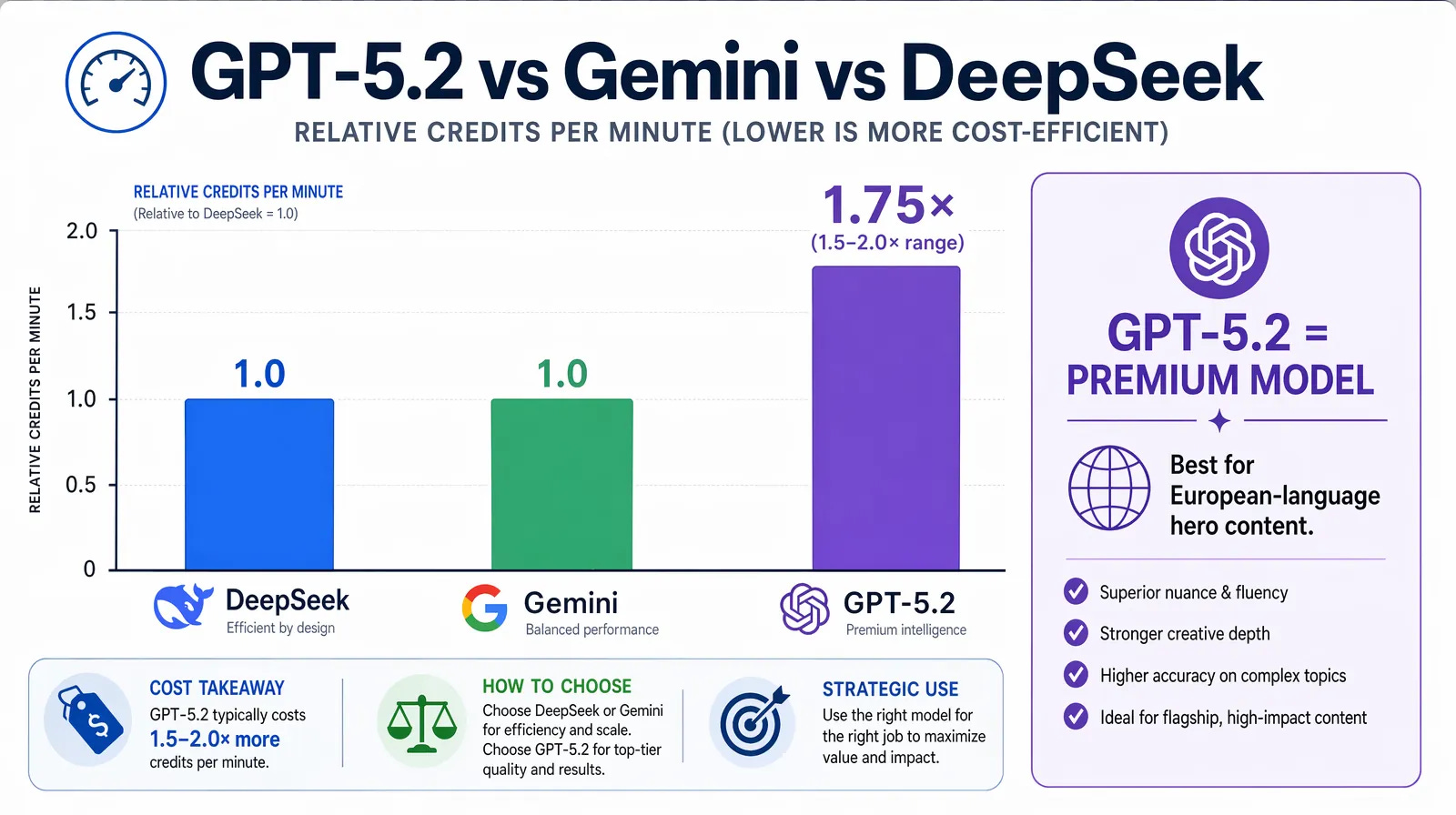
~1.5–2× the credit consumption of a standard model per minute
Longer videos = more tokens = more credits
Each target language = a separate translation + dub run
Context box adds minor token overhead (worth it)
The offset: teams report noticeably fewer post-production rewrites, so effective cost per finished output often comes out favorably for hero content.
Credit consumption per minute: GPT-5.2 uses roughly 1.5–2× more credits than Gemini or DeepSeek—justified for European-language nuance and hero content, not for bulk or technical work.
Gotcha: For dozens of support videos in many languages, don’t run everything through GPT-5.2. Route hero content through it; push bulk through Gemini or DeepSeek.
Where GPT-5.2 wins: idiom adaptation, tone preservation, cultural sensitivity, instruction adherence. For French and German in particular, output reads like native copy rather than a port.
Where it loses:
Cost — most expensive model in VideoDubber
Technical content — DeepSeek’s literal precision is a better fit for code/docs
Asian languages — Gemini produces more natural Japanese/Korean/Hindi phrasing
Speed — slightly slower than Gemini for equivalent content due to model size
8. Best Practices
Always use the Context box. Highest-ROI action available.
Clean audio in, clean translation out. Noisy input cascades through transcription → translation → timing.
Route models by job. GPT-5.2 for European/creative; Gemini for Asian; DeepSeek for technical/Chinese.
Test a 2–3 minute clip first before scaling to the full video and multi-language rollout.
Name brands and products explicitly in Context to prevent “Acme” becoming “Acmé.”
Pair with voice cloning. If you’re paying for premium translation, keep the speaker identity intact on output.
9. Mistakes to Avoid
MistakeWhy it hurtsFixEmpty Context box on brand contentFalls back to neutral registerAlways add 1–2 lines on tone + audienceGPT-5.2 for every language on a tight budgetOverpaying where cheaper models match qualityReserve for European + hero contentNoisy source audioDegrades the whole pipelineClean audio is the top pre-processing leverBrand names left unprotectedNames get translated or accentedAdd brand protection to every Context boxGPT-5.2 on engineering contentCreative adaptation hurts technical precisionUse DeepSeek for code-heavy work
TL;DR
GPT-5.2 is the right pick when nuance, tone, and European-language quality are the priority
Select it in VideoDubber’s model dropdown, always fill the Context box, translate
Pay ~1.5–2× the credits; get back fewer rewrites on hero content
Swap to Gemini for Asian languages / speed, DeepSeek for technical / Chinese
Test a short clip before committing to full runs across multiple languages